01
Neon Node
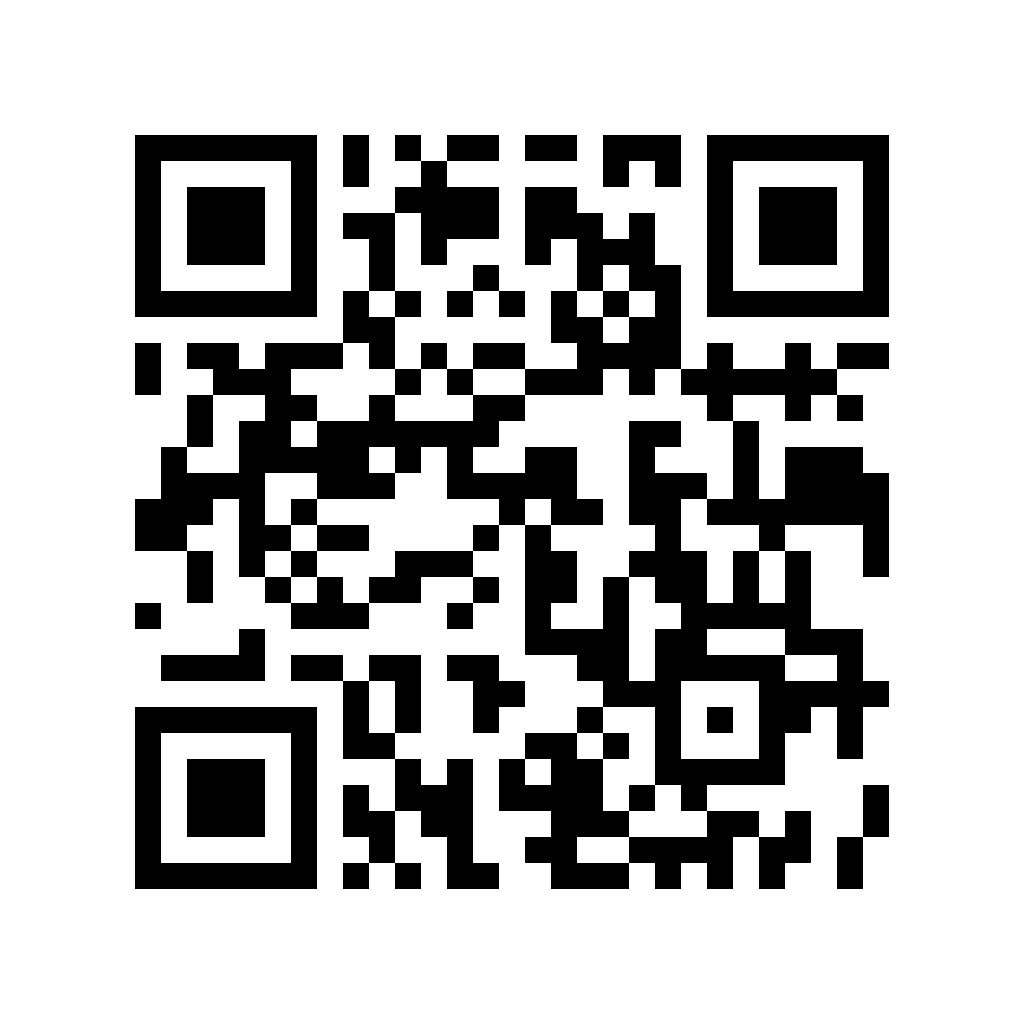
Scan in the demo app as a route point.
demo app access
The iOS and Android demo app shows the real participant flow: campaign start, task description, QR/NFC point collection, location checks, progress, and reward finale.
Store links will appear here after the app is published on the App Store and Google Play.
demo QR markers
Open this page on a computer or a second phone, launch the Markerra demo, and collect the points below with the QR scanner. The same points can also work as NFC tags in a physical campaign.
Scan in the demo app as a route point.
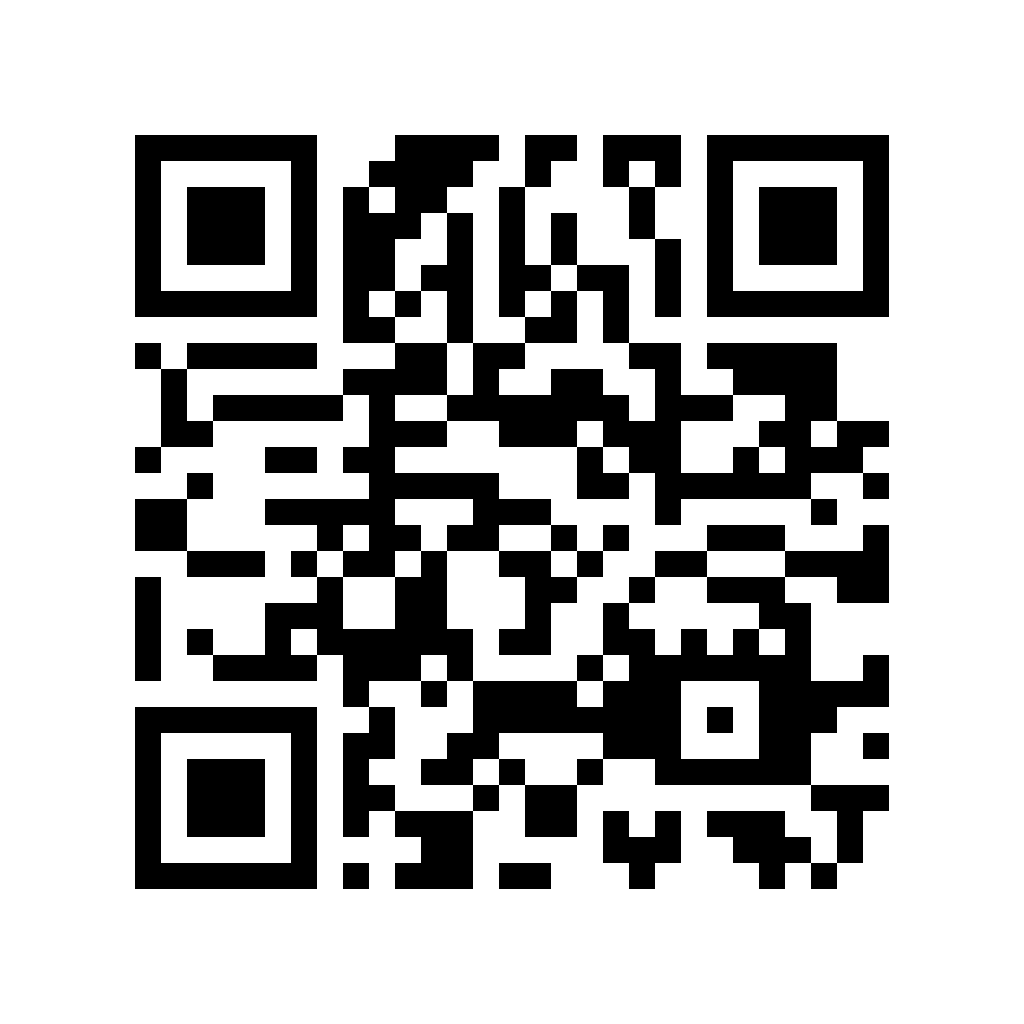
Scan in the demo app as a route point.
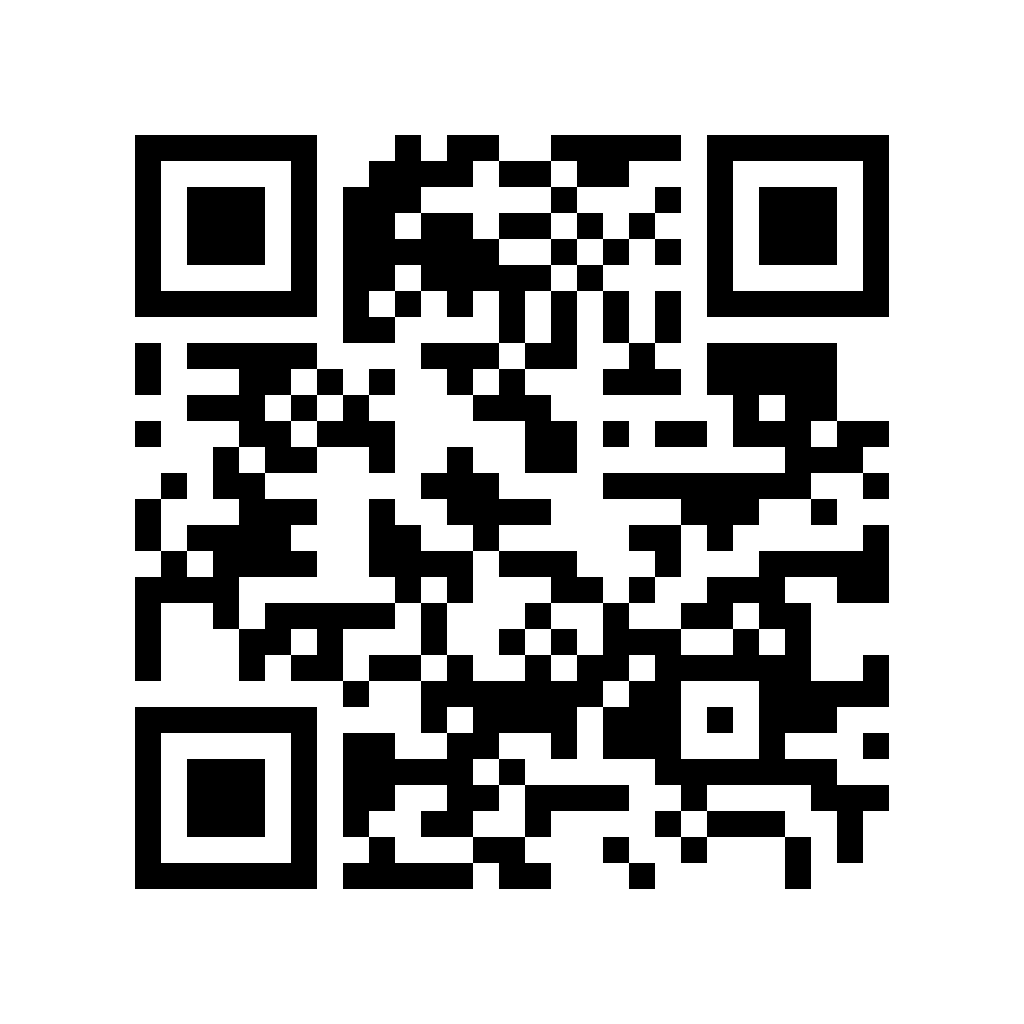
Scan in the demo app as a route point.
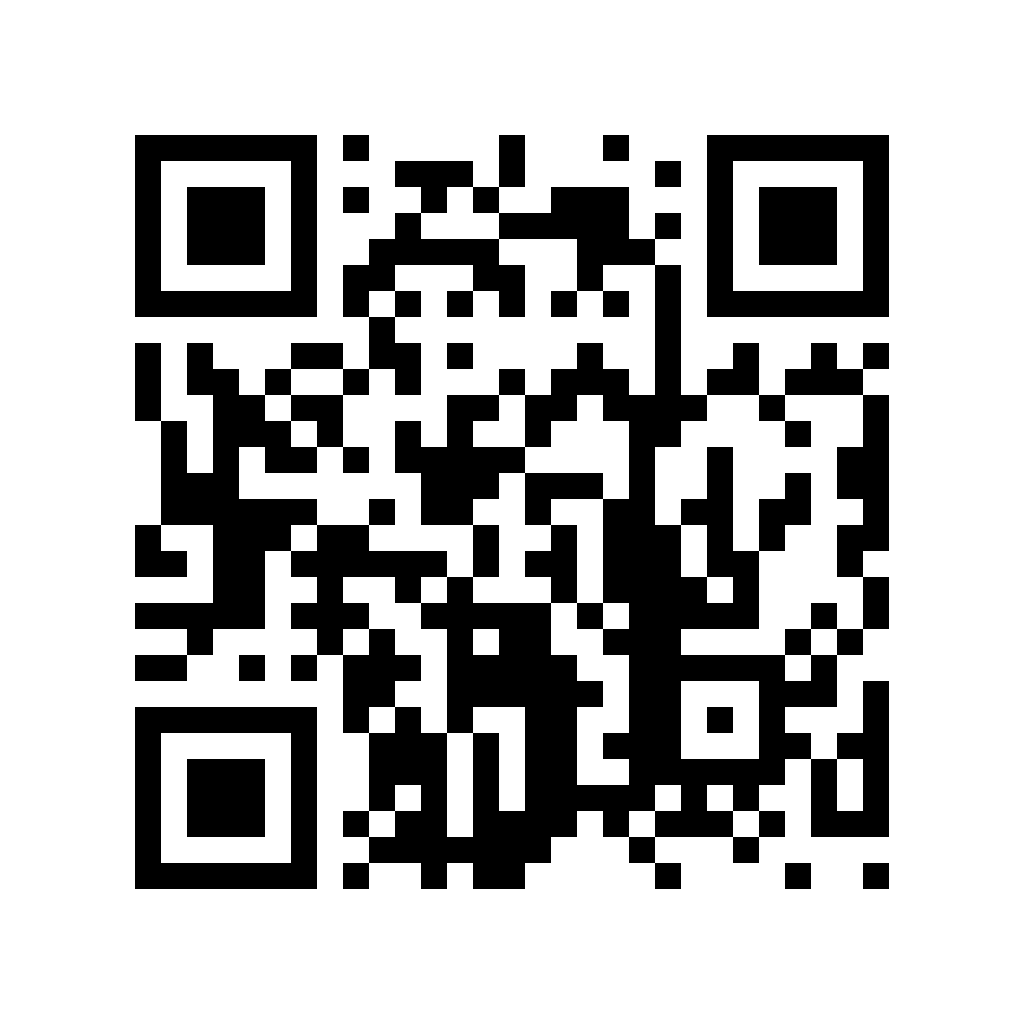
Scan in the demo app as a route point.
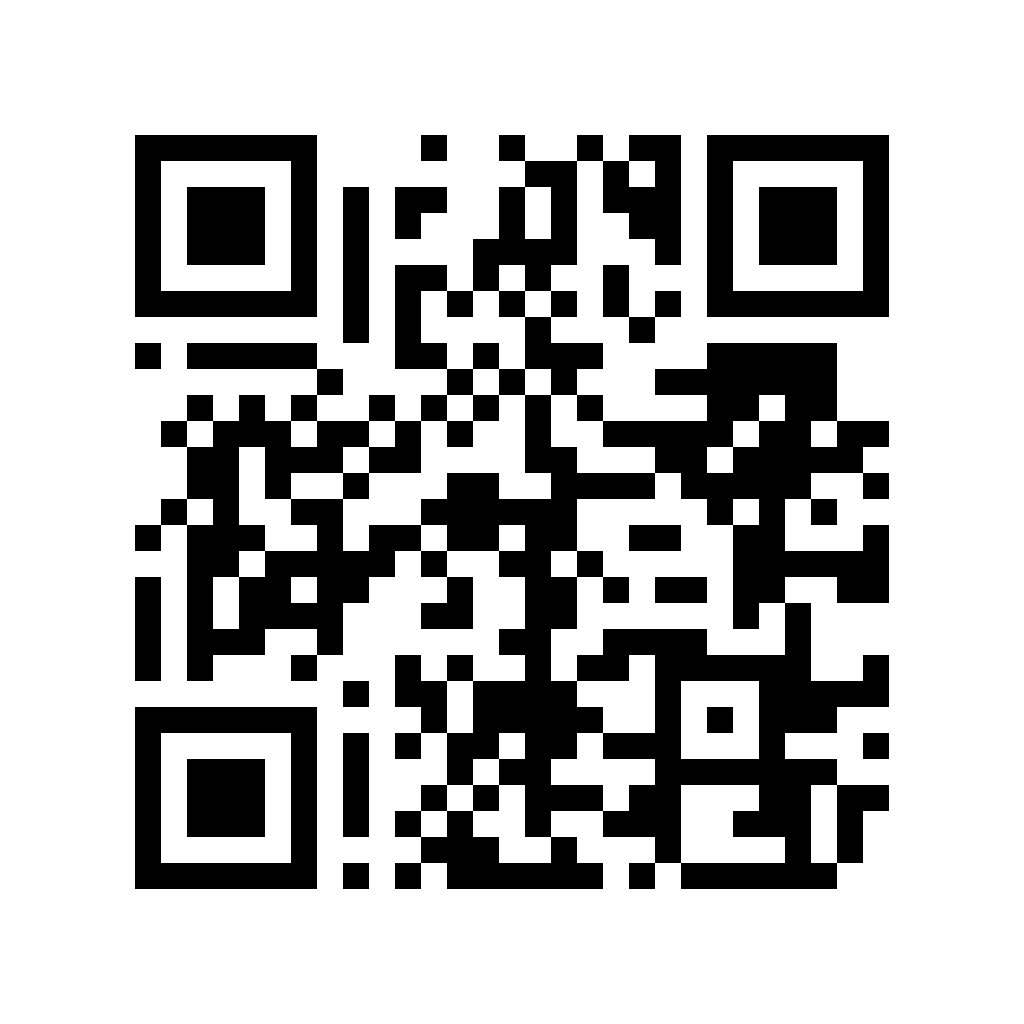
Scan in the demo app as a route point.
The demo accepts scans inside broad test zones covering major Polish cities. Outside a zone, the app shows a controlled location message, just like it would in a real campaign.
The QR codes on this page are for demo testing only and are not a public promotional campaign. The demo may request location on the map or at scan time, but it does not track background location and does not issue a real reward.
demo package
After downloading the app, the participant plays a sample Markerra route. A real client campaign receives its own setup, copy, QR/NFC markers, reward, and optional location restrictions.
A short route lets clients feel the campaign rhythm without a brief, production phase, or operational logistics.
The same point can be collected through QR or NFC, giving participants a convenient path depending on the phone and situation.
The demo also shows safeguards: duplicates, unknown tags, and optional location checks with real-world GPS tolerance.
After collecting the full set, the app shows the reward screen plus a claim code or redemption instruction.